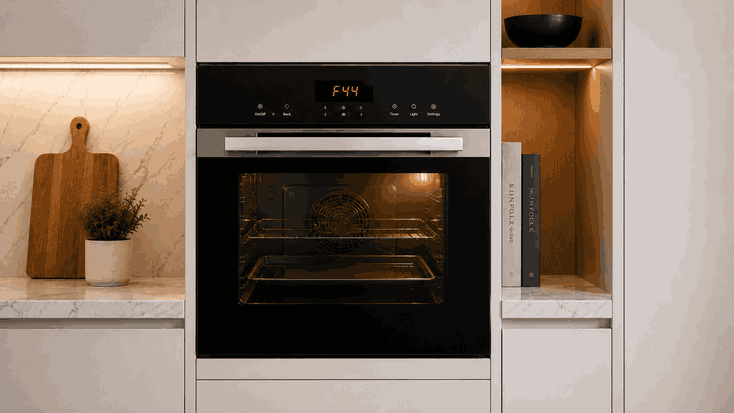
A GE oven display not working issue usually means the appliance may still have power, but the control screen is blank, dim, frozen, flickering, or not showing normal settings. In some cases, the oven light or cooktop may still work while the oven display does not respond.
For San Jose homes, this problem can stop baking, broiling, timer use, temperature selection, and error-code visibility. The cause may involve power interruption, control lock, display board failure, keypad response, wiring feedback, electronic control communication, or a range/oven power-supply issue.
A GE oven display is not just a clock screen. It is part of the oven’s command and feedback system.
The display allows the oven to show time, temperature, cooking mode, timer status, lock settings, and fault messages. If the display stops working, the oven may not accept commands or may operate only partially.
A working oven light or cooktop does not always mean the oven control system is healthy. The appliance may have partial power while the display board, keypad, relay control, or main control board is not responding correctly.
A GE oven display not working problem may appear suddenly after a power event or gradually through intermittent screen behavior.
Homeowners may notice:
Display is completely blank
Clock disappears or resets
Screen flickers or dims
Buttons beep but do not respond
Oven will not start
Display works briefly, then goes out
Error message appears, then clears
Cooktop works, but oven controls do not
If the display is fully blank, the issue may involve power supply, control board, display board, wiring, or internal fuse protection. If the display lights but does not respond, the problem may involve keypad input, control lock, user-interface failure, or communication between boards.
Not every blank or unresponsive display means the oven has a major failure.
A recent power outage may reset the clock or leave the oven waiting for input. Control lock, Sabbath mode, delayed start, or demo mode can make the control seem inactive. Moisture, cleaner residue, or repeated pressing may also affect some touch-control panels.
Repair-level causes may include a failed display board, damaged keypad, faulty electronic control board, relay-board issue, loose wiring connection, power-supply fault, or internal component failure.
A display that went blank after a breaker trip points in a different direction than a screen that slowly dimmed over time. The timing helps identify whether the issue began with power, heat, moisture, or electronic wear.
Homeowners can review a few visible details without opening the appliance.
Check whether the oven light, cooktop, clock, keypad, and oven modes are affected. Note whether the display is blank, dim, flickering, frozen, or showing partial characters.
Look for visible control lock or mode indicators if anything appears on the screen. Also note whether the issue started after a power outage, cleaning, heavy oven use, self-clean, or a breaker event.
Do not remove panels, test wiring or voltage, bypass safety devices, force buttons, reset the breaker repeatedly, or keep using the oven if it smells burnt, sparks, overheats, or trips power.
A reset may bring the screen back briefly, but it will not repair a failing display board, keypad, wiring path, relay issue, or electronic control fault.
If the GE oven display not working problem returns after one basic restart, stop repeated attempts. Continued resets can hide the original failure timing and may add stress to control components.
Bestech Repair checks whether the failure begins with power response, display function, keypad input, or internal control communication.
A technician can evaluate display behavior, keypad response, control-lock status, power-related symptoms, relay activity, wiring condition, board communication, and stored fault activity if available.
The goal is to separate a temporary setting or power-event issue from a GE oven display board, keypad, wiring, relay, power-supply, or electronic control fault.
An oven with a blank or unresponsive display can make cooking unreliable even if other parts of the appliance still appear active. Bestech Repair provides GE oven repair in San Jose for display problems, keypad issues, heating failures, error codes, control faults, and power-related oven concerns.
A GE oven display not working issue may be caused by a power interruption, control lock, demo or Sabbath mode, moisture, keypad failure, display-board trouble, wiring faults, relay problems, power-supply issues, or control-board failure. Homeowners can safely check visible display behavior, affected functions, control settings, and when the problem started. If the display still does not respond, professional diagnosis is the safer next step.
Bestech Repair – San Jose, CA
📍 Address: 919 S Winchester Blvd, San Jose, CA 95128
📧 Email: office@bestechrepair.com
📞 Phone: +1-408-906-8668
🕒 Open Hours: Monday – Sunday: 8:00 AM – 8:00 PM.
Read reviews about our repair, installation and maintenance services. Our trained experts are always ready to help. To schedule your next appointment, give us a call or complete our online form.

Leave your contact details for communication with the operator, indicate a convenient date for yourself and our operators will contact you or call us: